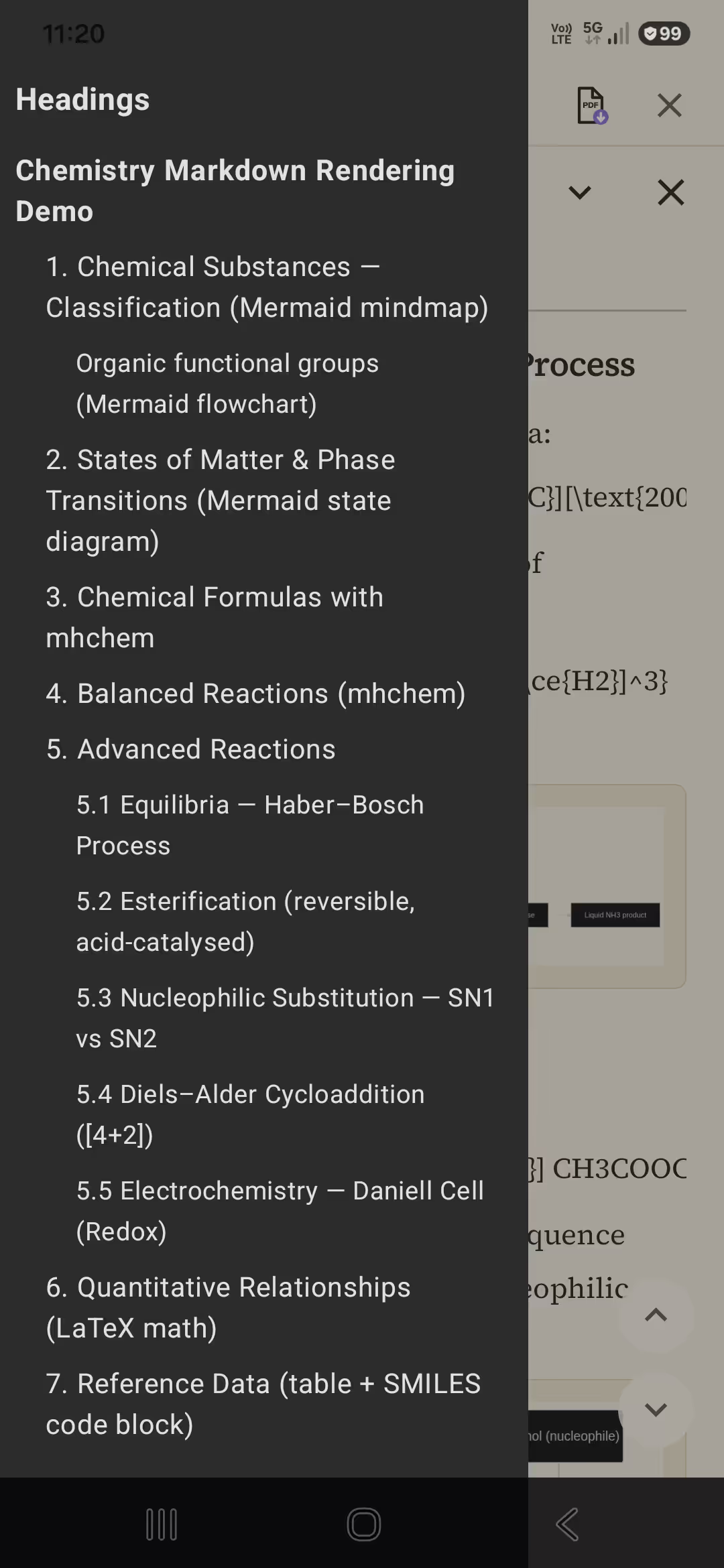
Beautiful reading first
PilcrowMD renders Markdown the way it was meant to look — premium serif type, a warm low-contrast dark theme, and layout tuned for real reading, not a cramped IDE.
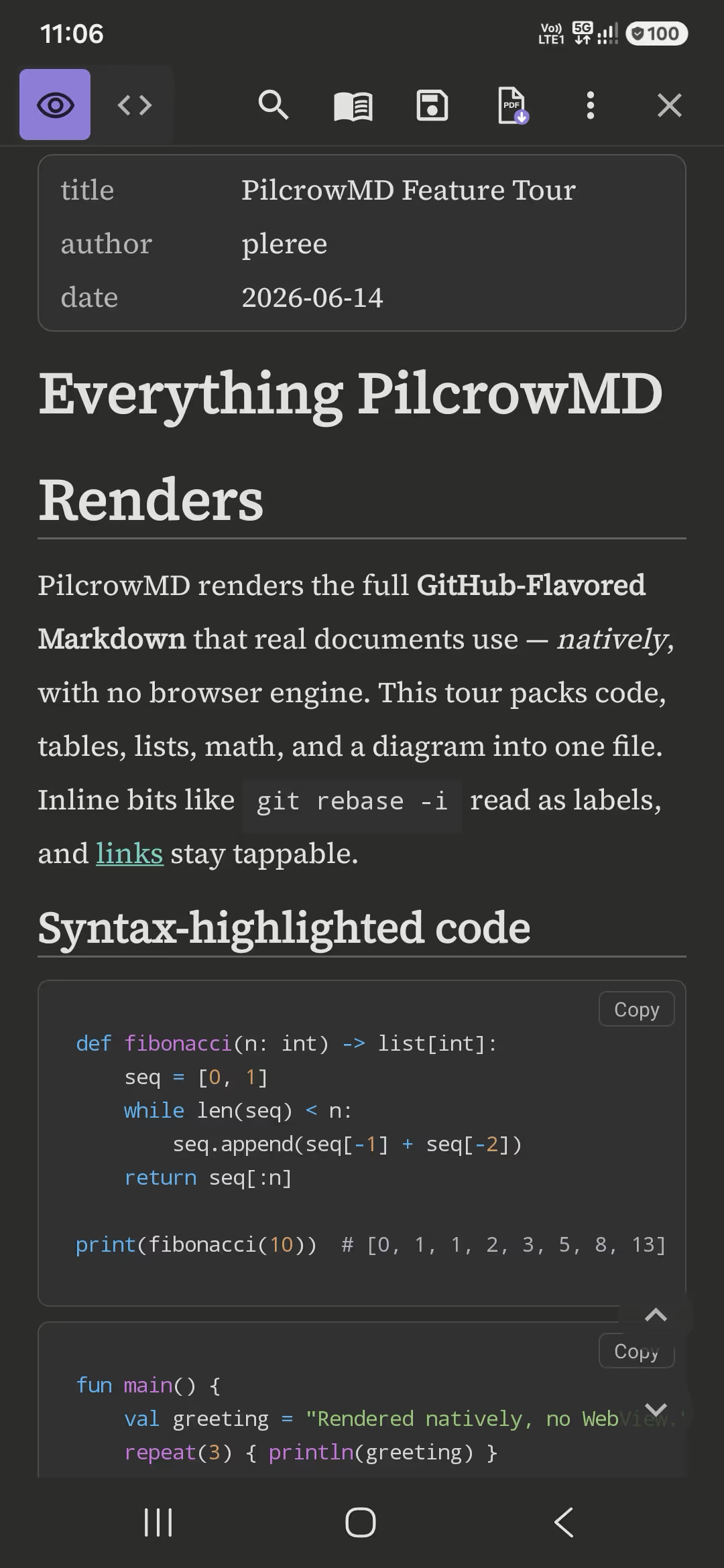
The beautiful, private way to read AI answers, READMEs, and Markdown on Android — no ads, no account, open source.
Latest release: v1.0.7 · 8 September 2026
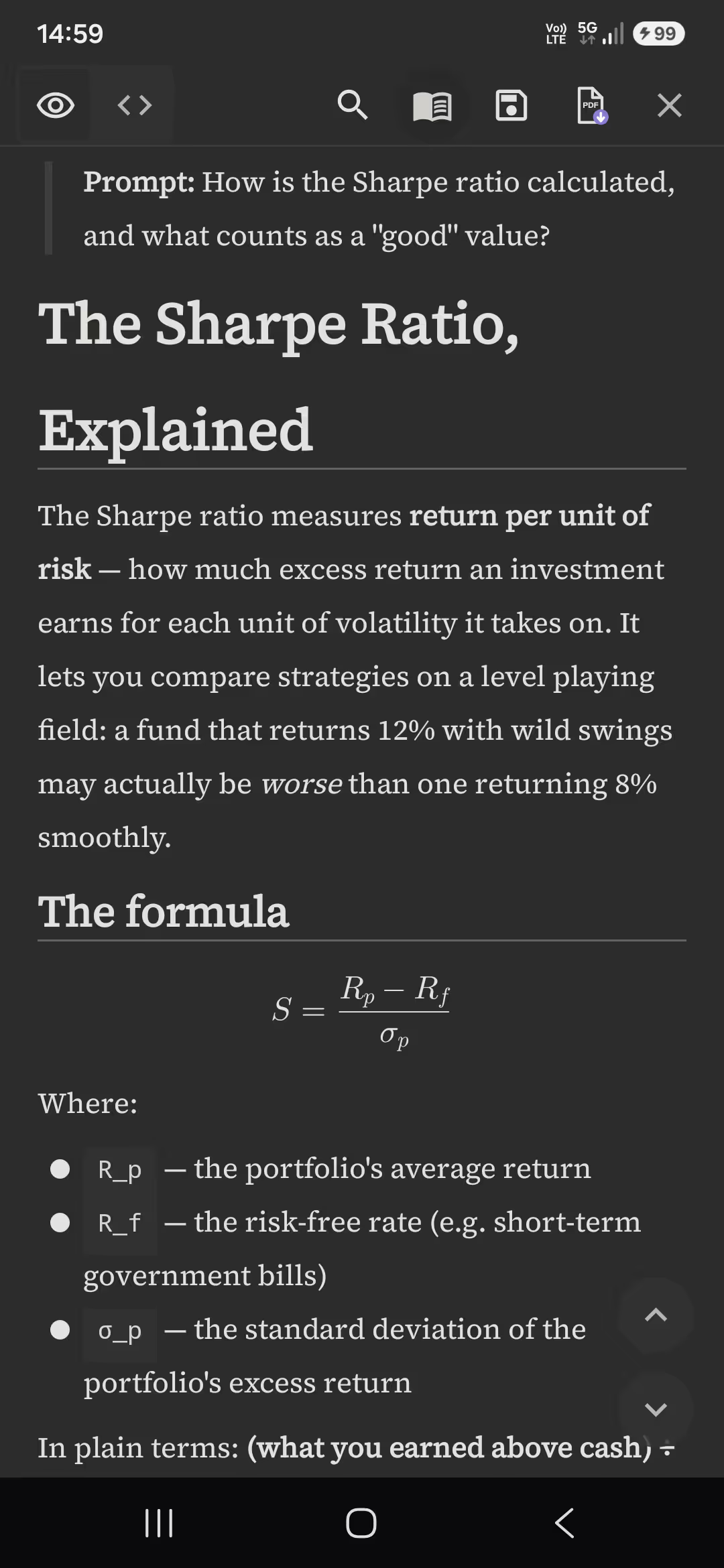
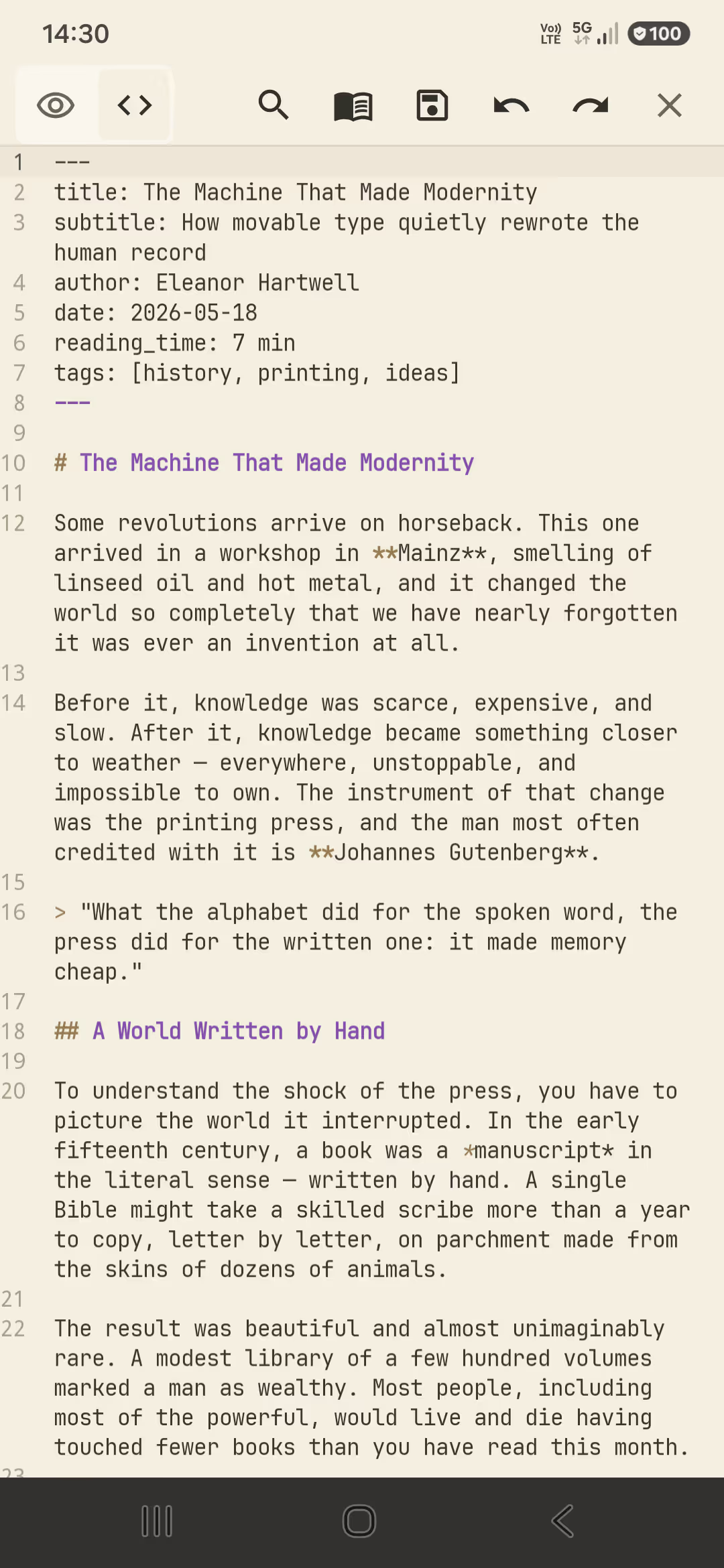
AI answers are Markdown — save a ChatGPT, Claude, or Gemini reply as a file and PilcrowMD renders it as a clean document, not a wall of raw symbols.
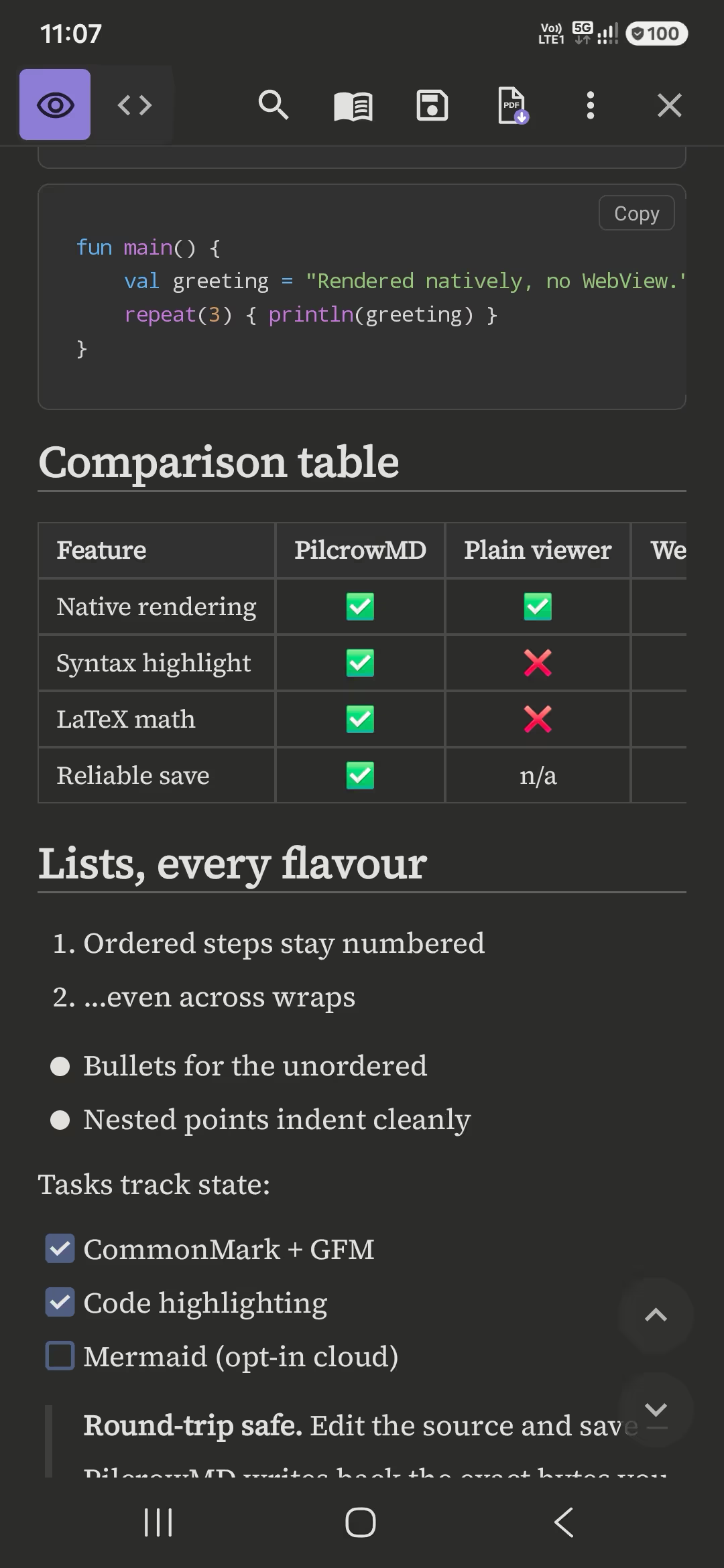
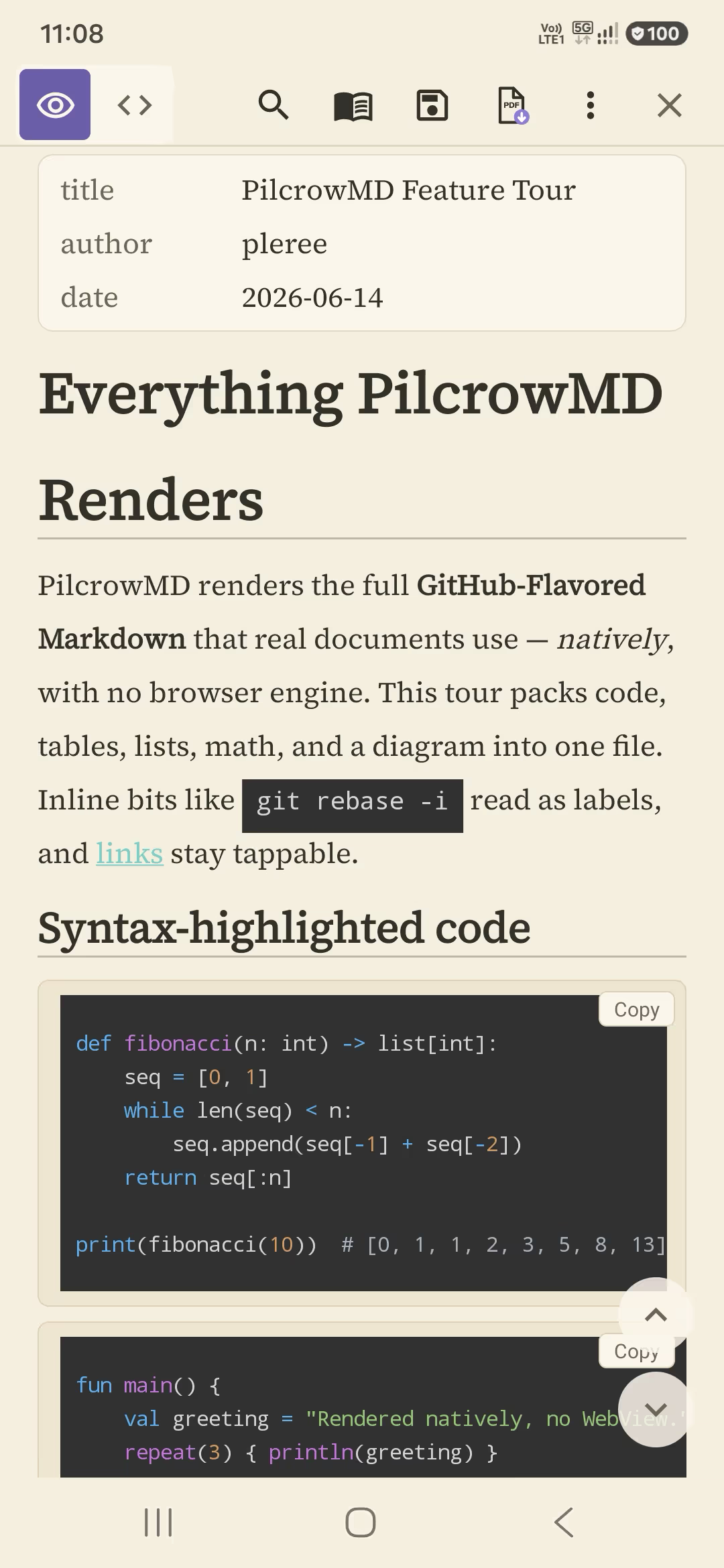
README files and docs read the way they do on the web — syntax-highlighted code, tables, and task lists all intact.
Technical specs and notes become real documents — premium serif type, generous spacing, and a warm theme tuned for long reading.
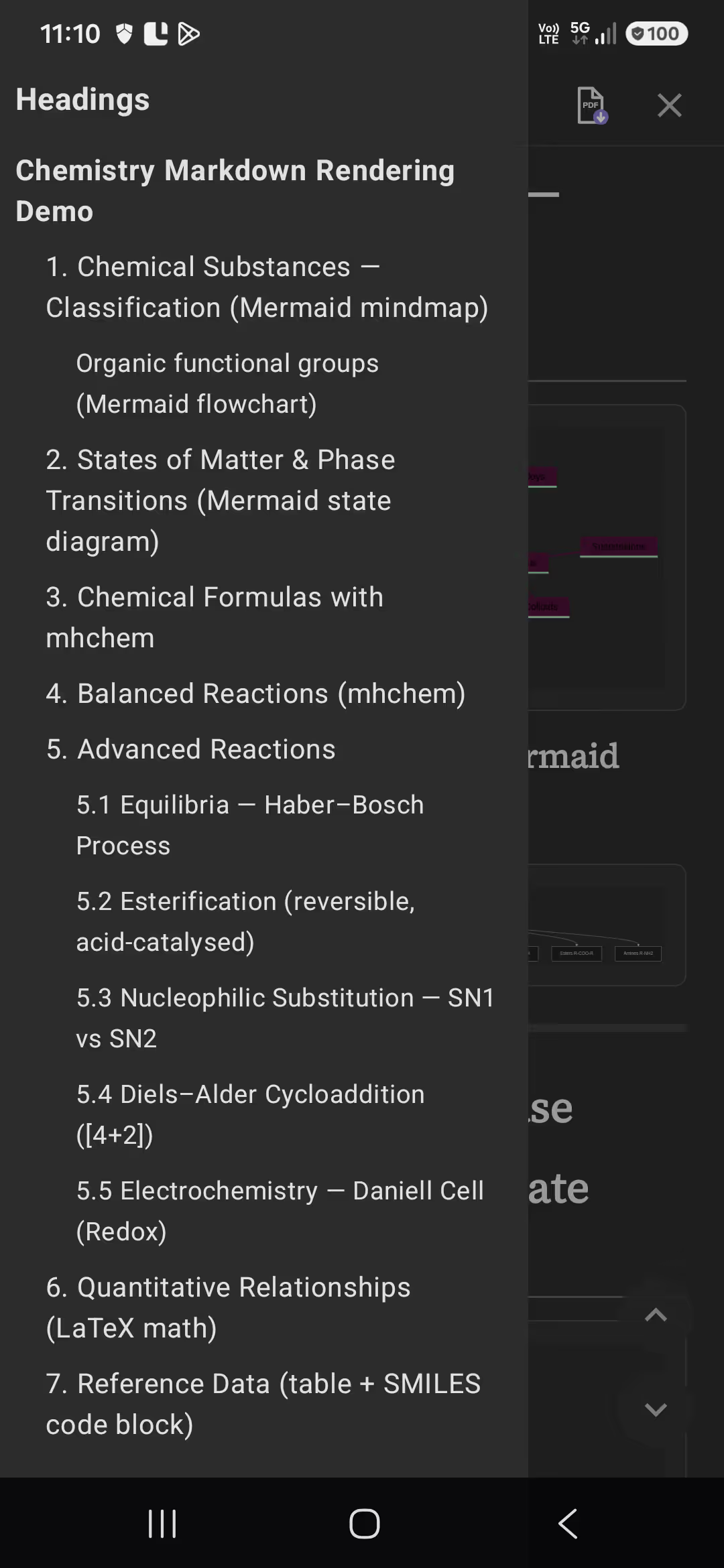
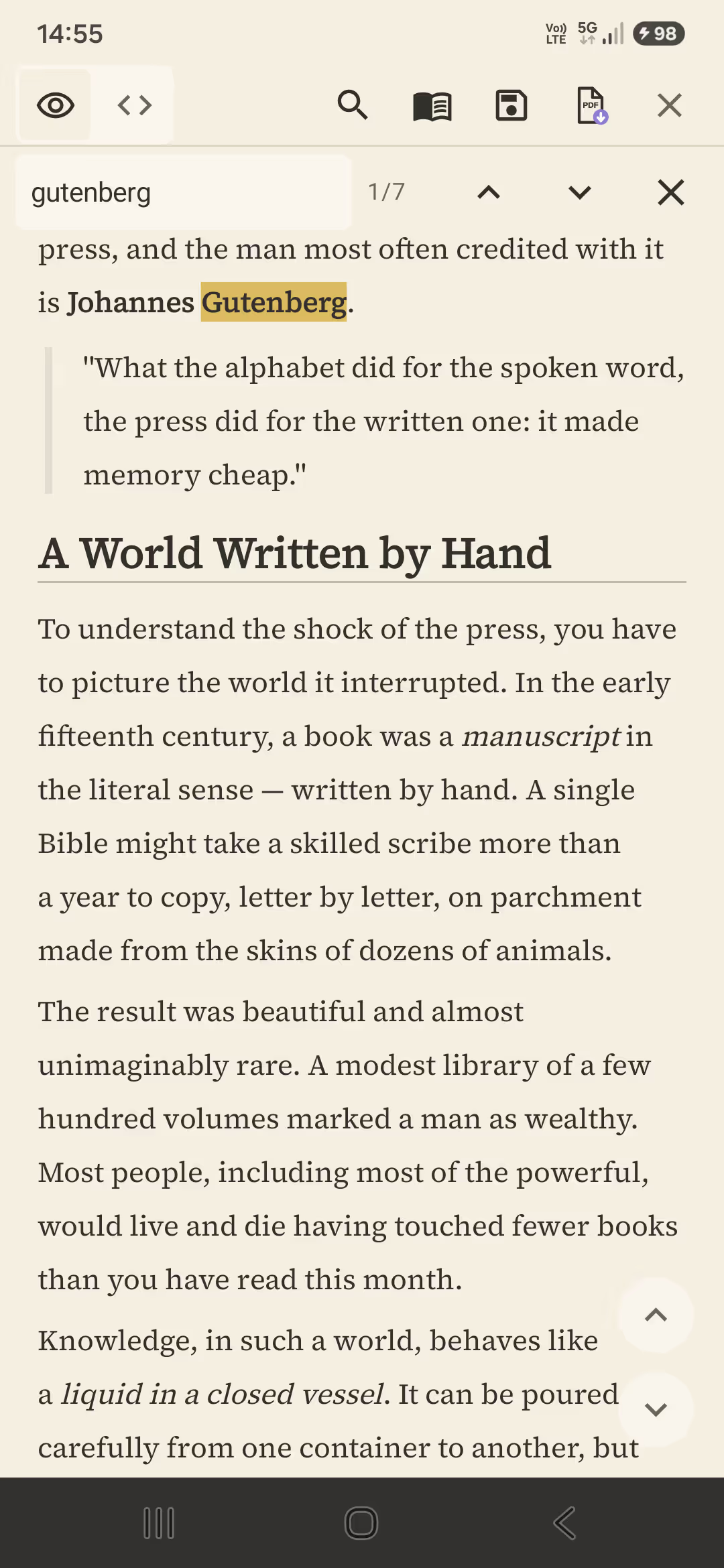
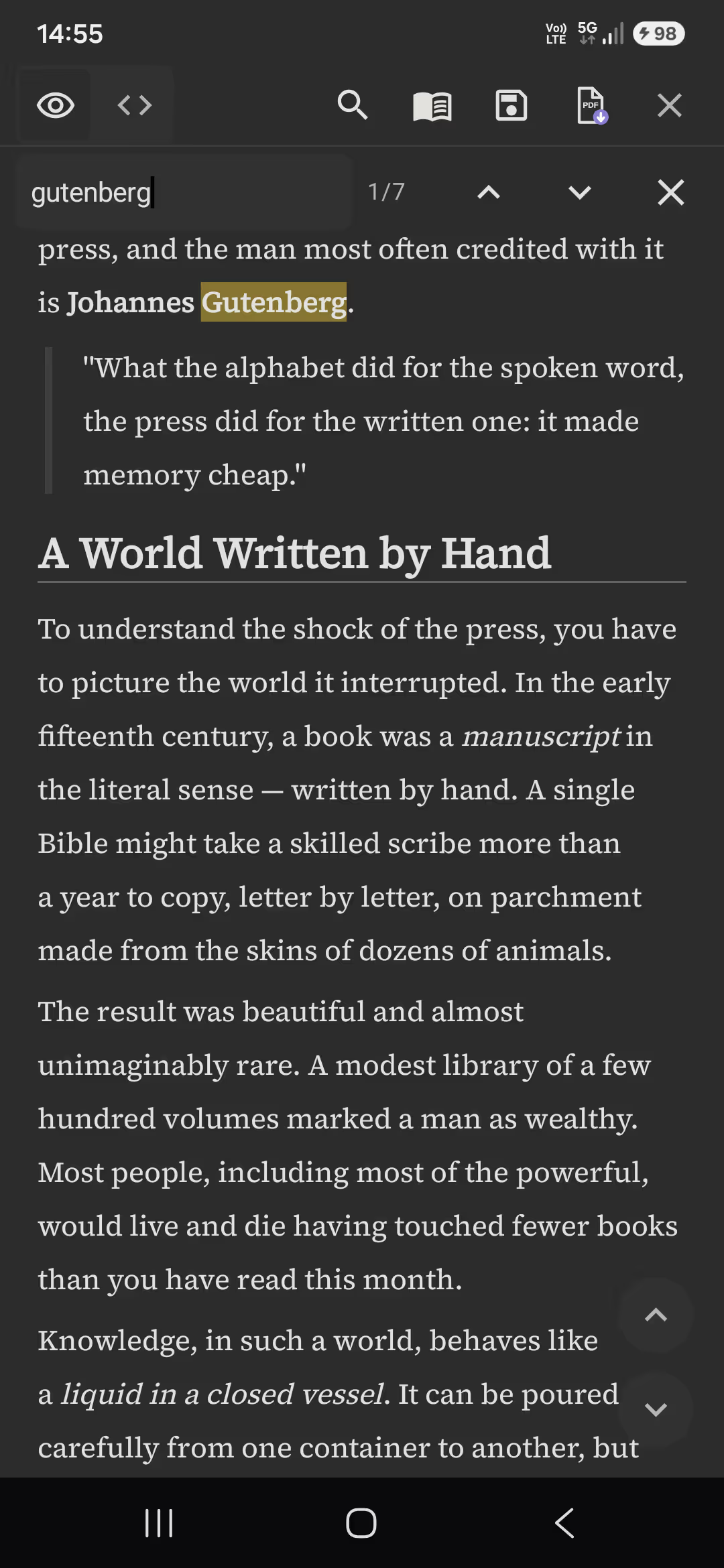
Long-form Markdown stays navigable with an auto table of contents, in-document search, and per-file scroll memory.
PilcrowMD renders Markdown the way it was meant to look — premium serif type, a warm low-contrast dark theme, and layout tuned for real reading, not a cramped IDE.
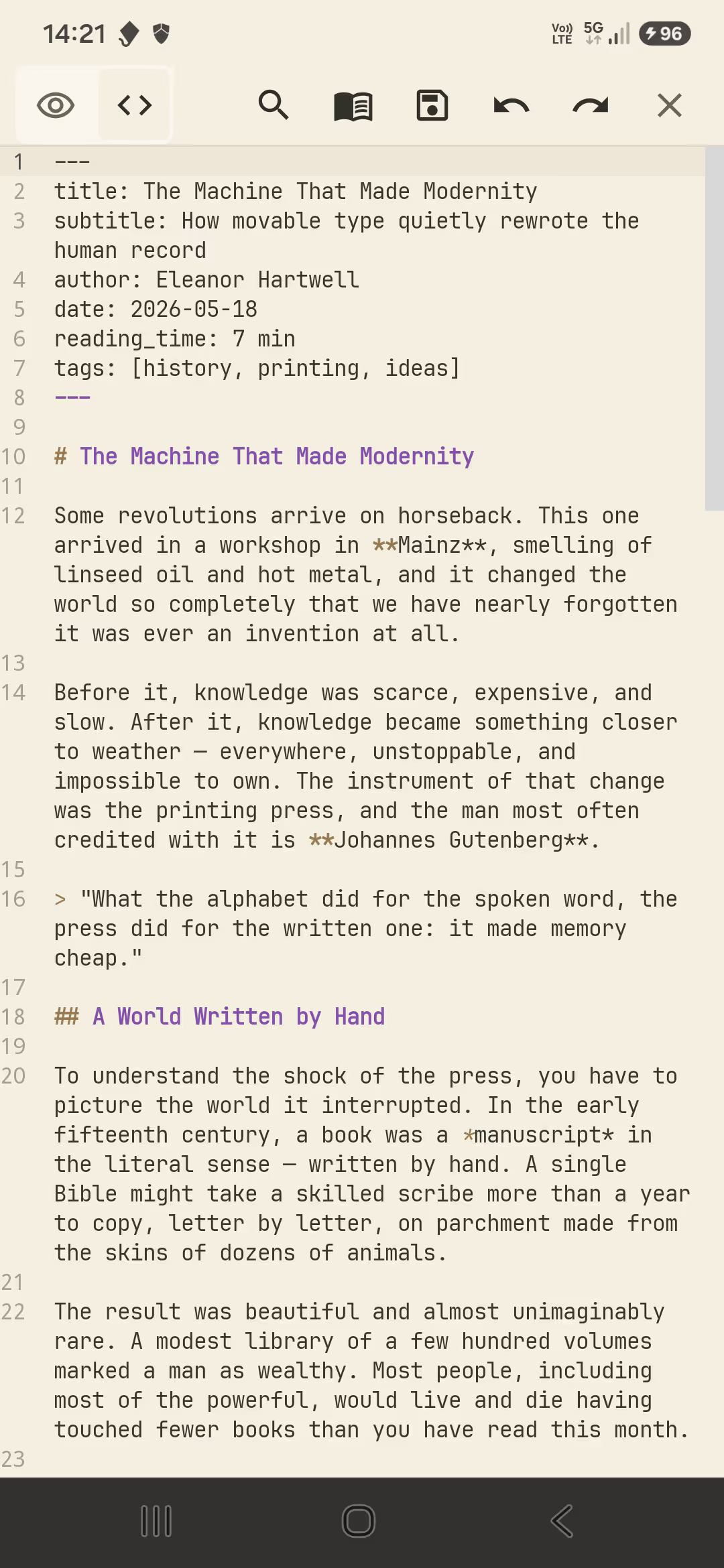
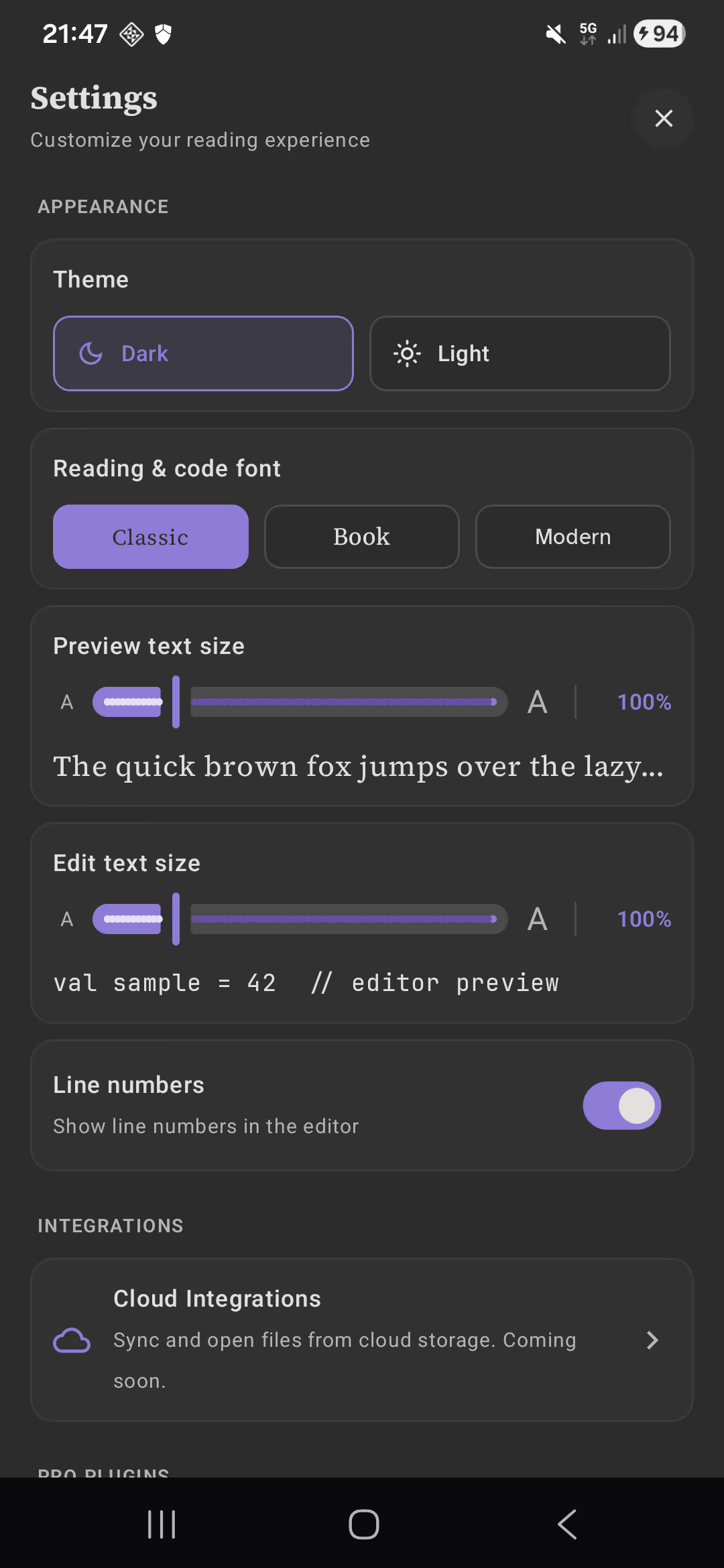
Switch between a clean rendered preview and a real source editor with syntax highlighting, line numbers, and undo/redo.
Saving writes back exactly what you wrote — no silent reformatting and no half-written files. Your file is safe.
Full CommonMark and GitHub Flavored Markdown — tables, task lists, strikethrough, and links — plus the things most readers get wrong. Each of these is a real, native part of the render path:
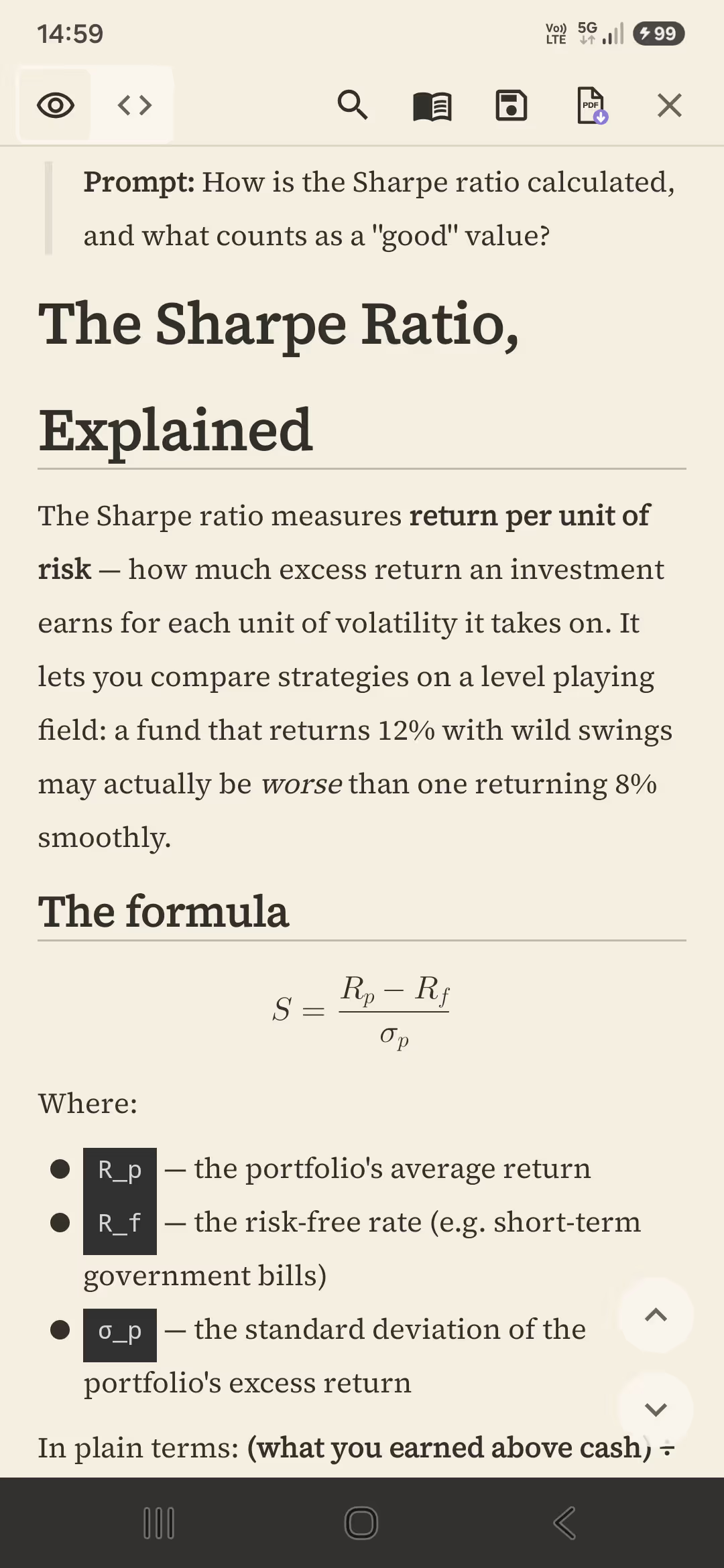
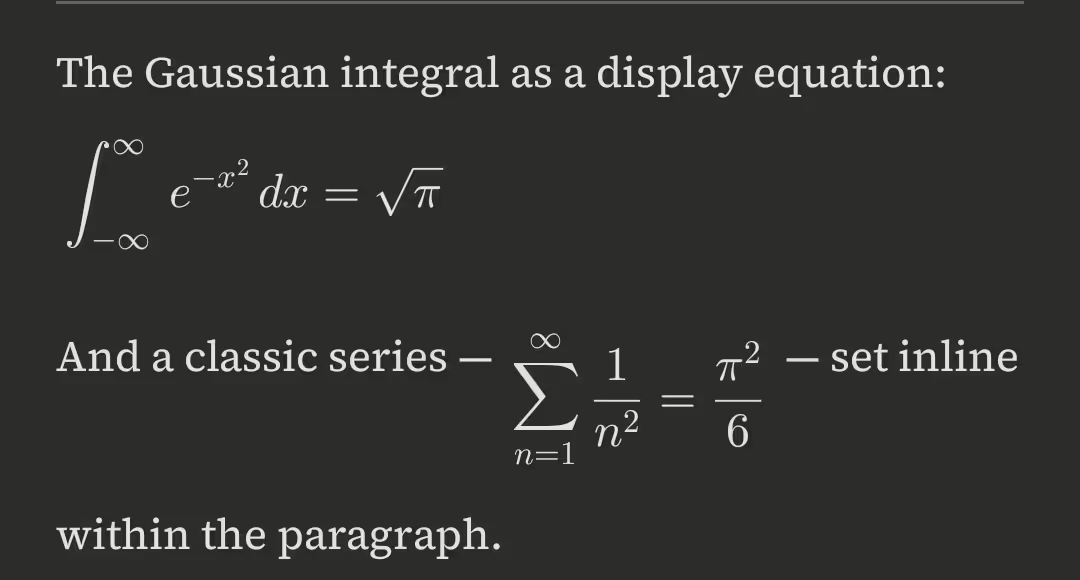
PilcrowMD typesets LaTeX math on your device — no internet and no external
service. Write $$…$$ and it renders as a proper display
equation, right on the page.
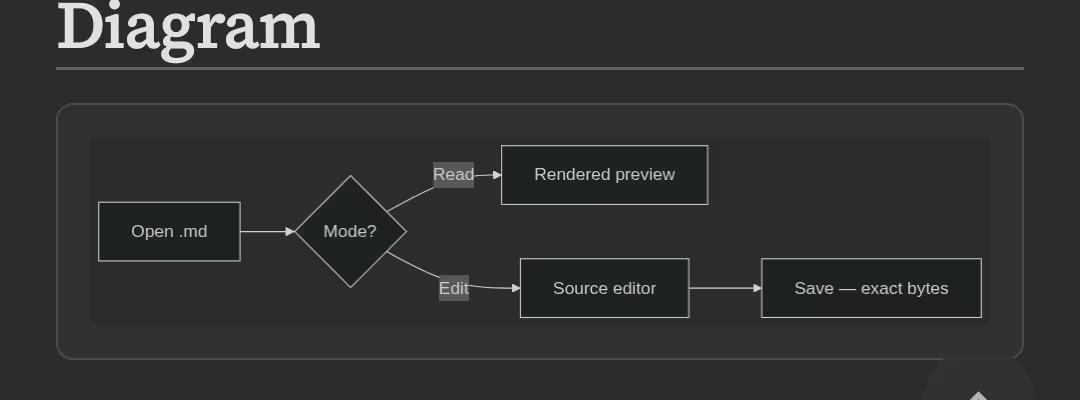
PilcrowMD can turn Mermaid code blocks into rendered diagrams. Mermaid uses an optional cloud renderer that is off by default — enable it in Settings when you want it. Everything else stays fully offline.
Fenced code blocks are syntax-highlighted across many programming languages. Long lines scroll sideways so the page never breaks.
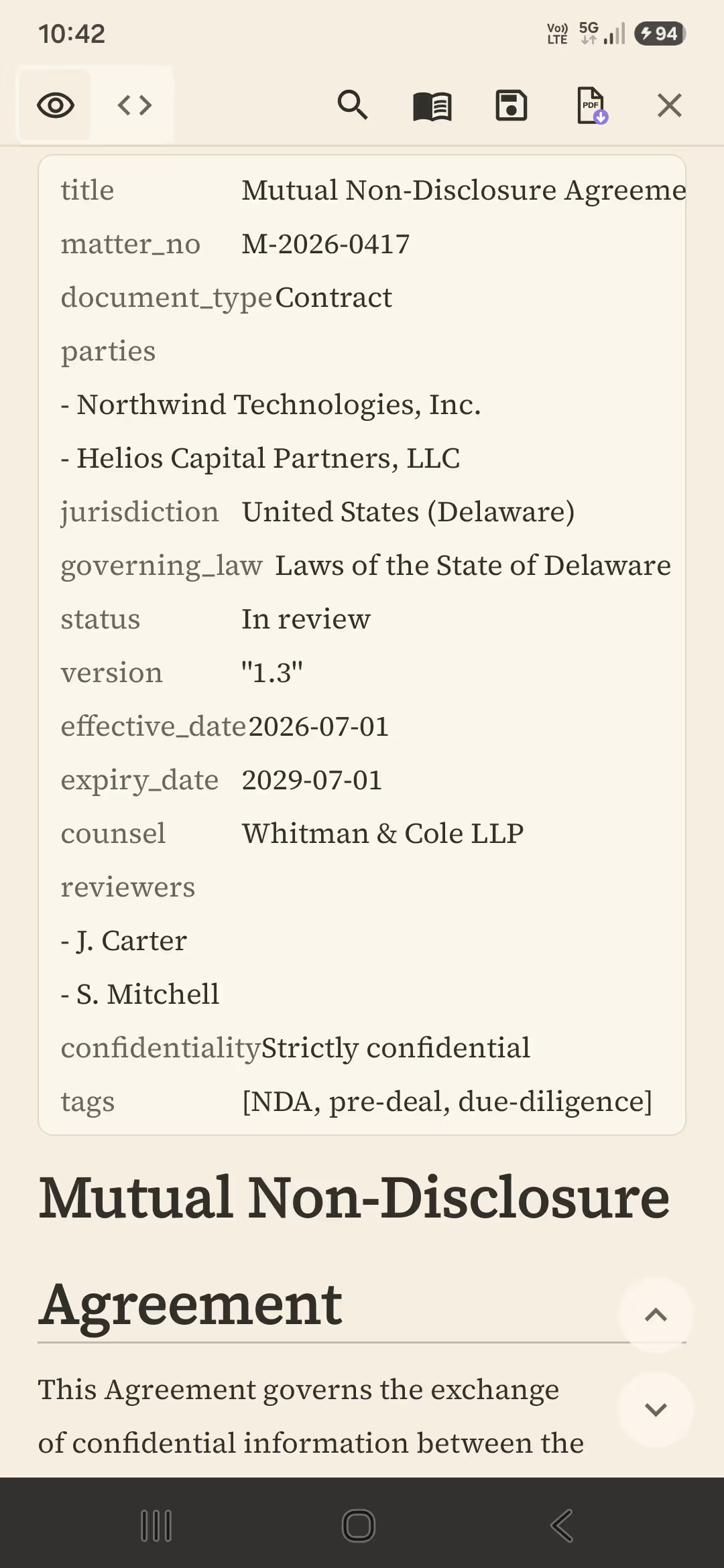
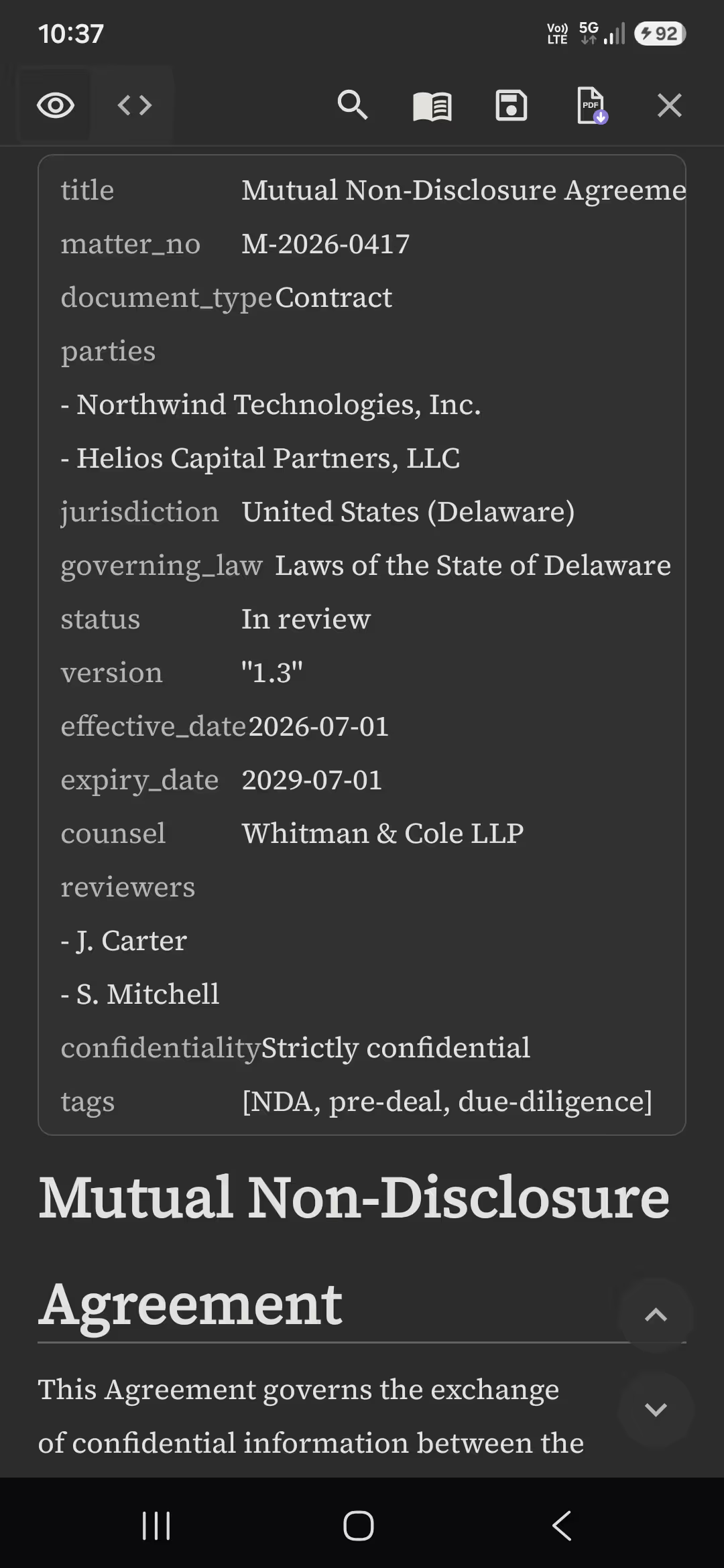
YAML front matter at the top of a file is recognized and shown as a clean field list — not dumped as a wall of raw text before your content.
PilcrowMD renders Markdown with native Android views — there is no embedded browser engine in the render path. Large documents open smoothly and stay fast and private.
Built for the two kinds of Markdown people deal with daily: output from AI assistants, and README files, specs, and technical docs. Save an answer as Markdown and read it perfectly — not as raw symbols.
In-document search with highlighted matches, an auto-generated table of
contents, and per-file scroll memory. Open .md straight
from your file manager, share sheet, or email attachment.
A plain, honest look at how PilcrowMD lines up against a typical Markdown app.
| Capability | PilcrowMD | Typical Markdown app |
|---|---|---|
| Ads | No | Often |
| Tracking / analytics | No | Often |
| Account required | No | Sometimes |
| Works fully offline | Yes | Sometimes |
| Open source | Yes (GPL-3.0) | Rare |
| Native rendering (no WebView) | Yes | Rare |
PilcrowMD is a native Android app — not a web page in a wrapper. The rendering, editing, and reliability work all happen on your device.
PilcrowMD is built in 100% Kotlin with Jetpack Compose, rendering Markdown natively rather than through a browser engine. That keeps reading fast and fully on-device, with nothing routed through a remote service.
The app follows Clean Architecture with MVVM and a unidirectional data flow, which keeps the reading and editing paths predictable and testable.
The reliability story is the part we are proudest of: edits are committed with atomic saves backed by a write-ahead journal. A save either lands completely or not at all — so you never get a truncated or half-written file, even if the app is interrupted mid-write.
PilcrowMD is built to earn your trust by collecting nothing. It renders entirely on your device, with no servers in the loop and nothing about your documents leaving your phone.
It works fully offline. The one optional network feature — cloud Mermaid diagram rendering — is strictly opt-in and off by default; leave it off and PilcrowMD makes no network connections at all.
And it is open source under GPL-3.0: you can inspect exactly how it handles your data, build it yourself, or fork it. It is also in the official F-Droid repository, built from source by F-Droid rather than uploaded by us.
PilcrowMD is a native Android Markdown reader and editor. It opens .md, .markdown, and .txt files and renders them with clean serif typography and a warm dark theme — built for AI output, README files, and technical docs.
Yes. PilcrowMD is completely free, with no ads and no in-app purchases.
Yes, fully. PilcrowMD renders your documents on-device and needs no internet connection. One optional feature — cloud diagram rendering — uses the network only when you explicitly enable it.
No. PilcrowMD has no accounts, no analytics, no advertising, and no tracking. Your files and settings stay on your device. See the privacy policy at https://pilcrowmd.com/privacy for details.
Yes. PilcrowMD includes a real source editor with syntax highlighting, line numbers, and undo/redo. Saving writes back exactly what you wrote, with no silent reformatting and no half-written files.
PilcrowMD supports CommonMark and GitHub Flavored Markdown, including tables, task lists, strikethrough, syntax-highlighted code blocks, LaTeX math, and YAML front matter.
Yes. PilcrowMD renders LaTeX math natively on your device, with no internet connection required. Use $$…$$ delimiters to typeset display equations.
Yes, with optional cloud rendering that is off by default. When you enable it in Settings, the diagram source is sent to the third-party service mermaid.ink to render an image; left off, nothing is sent and PilcrowMD stays fully offline.
Yes. PilcrowMD is open-source software licensed under GPL-3.0-or-later.
Yes. PilcrowMD is in the official F-Droid repository, where F-Droid's own build system compiles the app from source and checks the result against the binary we publish. F-Droid's copy can be a version behind the Google Play copy, because their builds run on their own schedule.
PilcrowMD runs on Android 8.0 (Oreo) and newer.
Free & open source. No ads, no account, no tracking.